GSAP · Search · Motion · Empty State
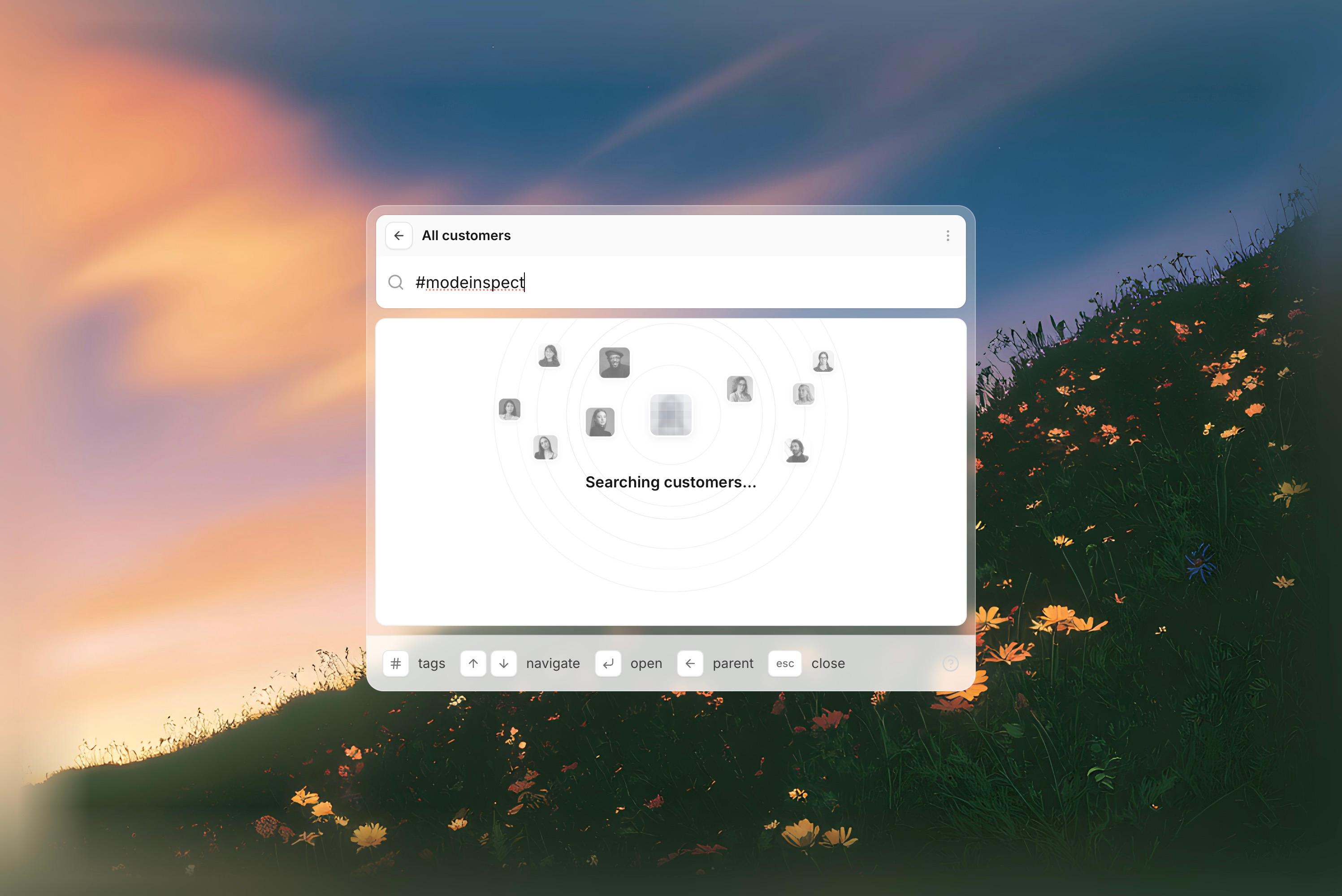
A customer search menu on a frosted panel over a painted hillside. The search bar sits under a grey "All customers" header with a back button and a ⋮ settings menu, and a footer lists keyboard hints. When you type, a results card opens: grayscale portraits float around a blurred, pixelated face inside thin rings, and the heading reads "Searching customers…".
The details
- Inner parts move first. Each GSAP timeline animates the innermost elements before their containers. On load, the page stays blank for 2 seconds. Then the glass panel scales in, the search bar fades in place and the header grows up from behind the bar. The header starts with a small strip already showing, so the group has four rounded corners from the first frame.
- Searching sends radar waves out from the center. The avatars drop in from above along curved paths (x and y use separate tweens), then float on staggered loops. The center tile stays still, and clicking it swaps the face under the pixel overlay.
- Not found. Once typing pauses, Torph morphs the heading into "No customers found". The card shakes, a circular red shockwave spreads from behind the center tile and the card border turns red.
- Settings is a custom menu that grows out of the ⋮ button before its items stagger in.
How it evolved
The session started as a static copy of an inspiration shot. Search states came next, then GSAP, Torph and hover states. The first settings dropdown used Radix, but Radix positions the menu asynchronously, so the opening morph played out of view. The menu was deleted and rebuilt without Radix. Later rounds fixed jitter by animating from current values and moved everything into one glass container with solid inner cards. They also added real avatars and a blurred backdrop. The last fix restored the red pulse, which GSAP's clearProps call had been wiping.